
Microsoft news for partners
Office inside Copilot means partners need a new adoption story
Microsoft is bringing Word, Excel and PowerPoint editing into the Copilot app. Here's why Microsoft partners should rewrite their adoption story now.
By UBE Marketing Team · · 3 min read
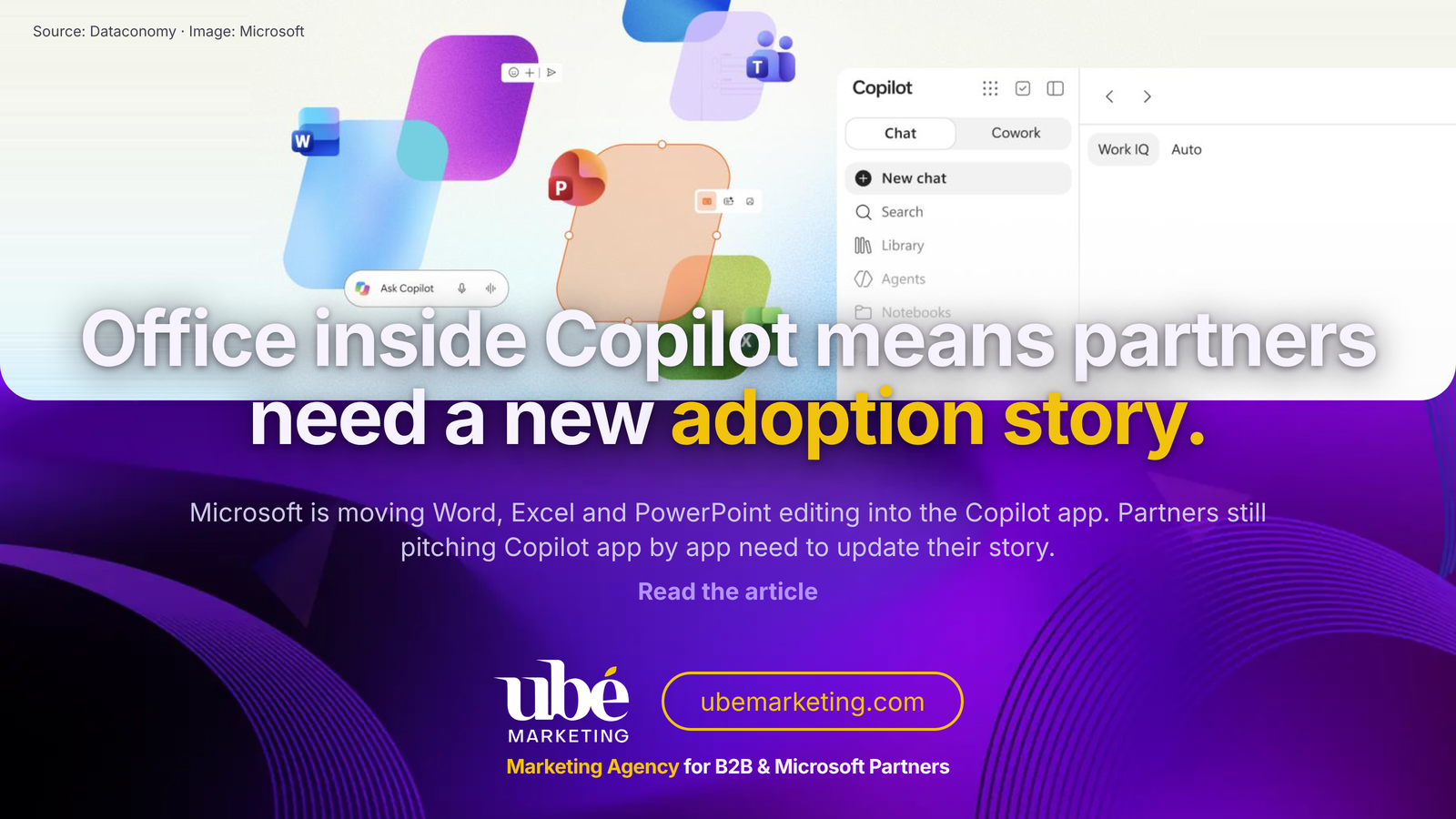
Microsoft partners should stop pitching Copilot as a feature that sits inside Word, Excel and PowerPoint. With Office editing moving into the Copilot app itself, the chat window becomes the place where documents start and finish, and partner marketing that still leads with "Copilot in your apps" is about to sound out of date.
That doesn't mean the Office apps are going away. It means the story customers hear from their partner has to change before the product reaches them, not after.
What's happening
Dataconomy reported on 13 October that Microsoft is adding the ability to create, edit and work together on Word, Excel and PowerPoint files from inside the Copilot app. For now it is limited to Frontier customers using Copilot Chat and Copilot Cowork.
According to the report, this flips the direction Microsoft had been taking. Rather than building Copilot features into each Office app one at a time, the Office tools now come to Copilot, so people can keep refining a file without jumping out to a separate app. A new Library area holds the files people make, and Copilot can still draft documents from a Chat or Cowork conversation. Sharing, commenting and reviewing are coming to the Copilot app as well.
The article says Office Product Group executive Sumit Chauhan described the change as part of a push towards a "more unified experience".
Our view
We think this is one of the most important shifts in the Copilot story this year, and most of the coverage is treating it as a product update rather than a positioning change.
Since launch, a lot of partner adoption content has followed the same pattern: here's Copilot in Outlook, here's Copilot in Excel, here are ten prompts for each. That made sense when Copilot was a side panel. It makes far less sense when the starting point is a conversation that can produce a document, revise it and send it for review without anyone opening Word first.
Customers will notice the difference faster than partners expect. Their question moves from "which app do I use Copilot in?" to "what do I ask Copilot to do, and who checks the result?" That second question is where partners earn their fees: governance, review steps, data access and change management for teams who are used to owning their own files.
We'd also urge some restraint. This is Frontier only for now, so anyone marketing it as ready for every customer is setting up a disappointing conversation. The smart move is to prepare the messaging, the demos and the adoption plan today, and be honest about timing.
What it means for Microsoft partners and B2B tech firms
Partners selling Microsoft 365 and Copilot services have a short window to own the new narrative. The first ones to explain "start in Copilot, finish in Copilot" in clear, practical terms are the ones customers will call when it rolls out more widely.
It matters for software companies and B2B tech firms building on Microsoft 365 too. If your product shows up as an add-in or as part of a document workflow, check where it sits once people stop opening the Office apps directly. Your onboarding emails, help articles and screenshots may all assume a starting point that is moving.
How to put it to work
- Audit your adoption content. List every guide, webinar and landing page built around Copilot inside individual apps, and flag which ones need a Copilot-app-first version.
- Rebuild one demo around a workflow. Show a real task, such as drafting a proposal, tidying the pricing table and sending it out for comment, all from the Copilot app.
- Lead with review and governance. Explain who checks AI-drafted files, where they are stored and how sharing permissions work in the Library.
- Be clear about availability. Say it's for Frontier customers today and give people a way to register interest, rather than implying it has already shipped to everyone.
- Brief your sales team. Give them three short sentences on what changed and why it matters, so every meeting carries the same message.
- Run a hands-on session. A short customer workshop is the quickest way to turn a product change into real pipeline.
How UBE Marketing can help
UBE Marketing is a Sydney marketing agency founded by Alvin Paronda, working with Microsoft partners on go-to-market plans, campaigns and events. If you'd like your Copilot story rebuilt around how customers will actually use it, take a look at our Microsoft partner marketing services or get in touch.
Source
This article is UBE Marketing's opinion on Microsoft brings Office editing and collaboration into Copilot, published by Dataconomy on 13 October 2026. All rights in the original belong to its publisher. Trade marks and product names belong to their owners.
Source: Dataconomy
Read the full story: Microsoft brings Office editing and collaboration into Copilot →Frequently asked questions
What is changing with Office in the Copilot app?
Dataconomy reports that users will be able to create, edit and collaborate on Word, Excel and PowerPoint files inside the Copilot app, with a new Library that keeps their documents in one place.
Who can use it now?
According to Dataconomy, it is currently limited to Frontier customers in Copilot Chat and Copilot Cowork.
What should Microsoft partners do first?
Audit any adoption content built around Copilot inside individual Office apps, and rebuild at least one demo around a workflow that starts and finishes in the Copilot app.