Marketing Automation
Mastering Email Marketing Automation with Microsoft Dynamics 365 Customer Insights in 2026
How to set up email marketing automation in Dynamics 365 Customer Insights: connecting data, segmenting audiences, building triggered workflows and testing.
By UBE Marketing Team · · Updated · 3 min read
Email marketing remains one of the most effective ways to connect with customers, but managing campaigns manually can be time-consuming and prone to errors. In 2026, Microsoft Dynamics 365 Customer Insights offers powerful tools to automate email marketing, helping businesses deliver personalised messages at the right time. This blog explores how you can use this software to improve your email marketing automation, boost engagement, and drive better results.
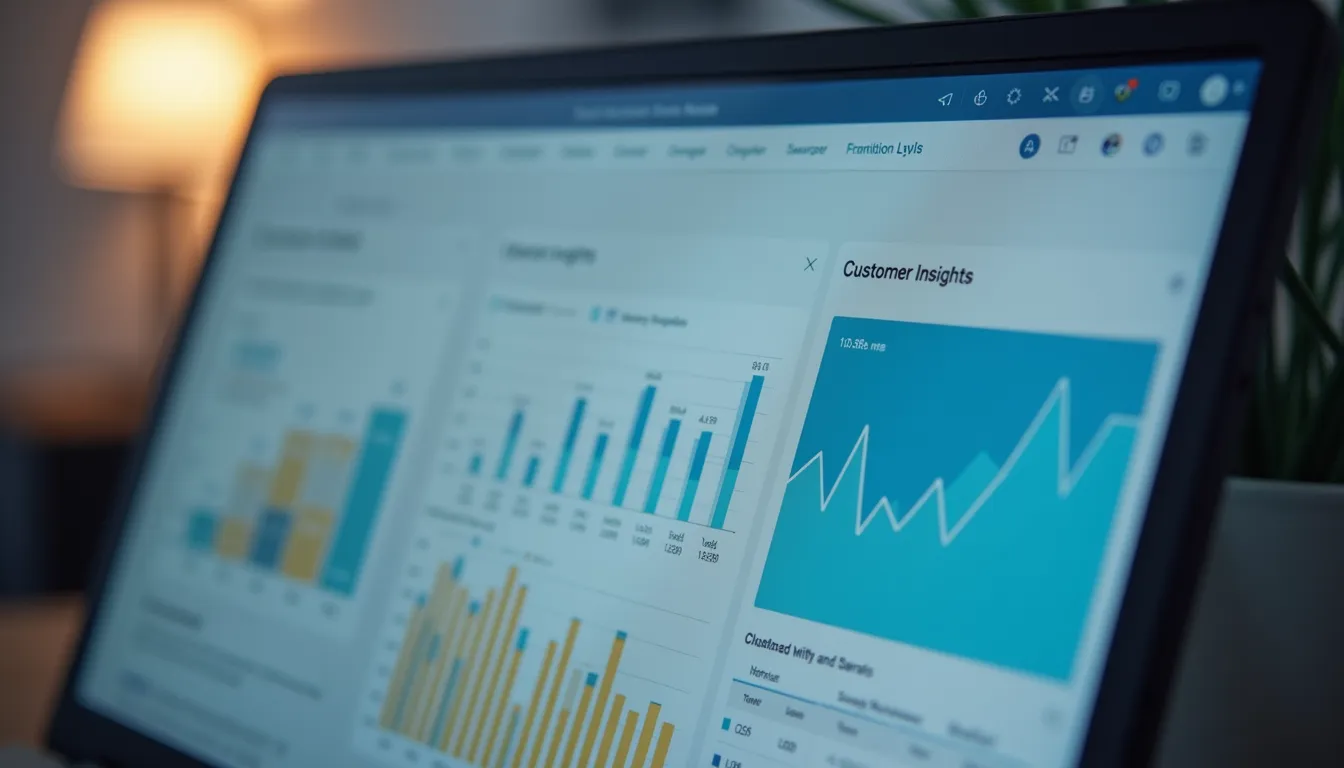
Microsoft Dynamics 365 Customer Insights dashboard displaying customer profiles and analytics
Understanding Microsoft Dynamics 365 Customer Insights
Microsoft Dynamics 365 Customer Insights is a customer data platform that collects and unifies data from multiple sources. It creates a comprehensive view of each customer, combining behavioural, transactional, and demographic data. This unified profile allows marketers to segment audiences more precisely and tailor communications based on real-time insights.
In 2026, the platform integrates seamlessly with Microsoft’s email marketing tools, enabling automation workflows that respond to customer actions and preferences. For example, if a customer browses a product but doesn’t purchase, an automated email can be triggered to offer a discount or provide more information.
Setting Up Email Marketing Automation
To get started with email marketing automation in Dynamics 365 Customer Insights, follow these key steps:
Connect your data sources
Import customer data from your CRM, website, social media, and other platforms to build a complete profile.
Define customer segments
Use the platform’s AI-powered segmentation to group customers by behaviour, purchase history, or preferences.
Create personalised email templates
Design emails that adapt content dynamically based on customer data, such as name, location, or recent activity.
Build automation workflows
Set triggers for sending emails, such as abandoned carts, birthdays, or product launches.
Test and optimise
Use A/B testing to compare subject lines, content, and send times. Monitor open rates, click-throughs, and conversions to refine campaigns.
This approach saves time and ensures your messages are relevant, increasing the chances of customer engagement.
Practical Examples of Automation in Action
Consider a retail business using Dynamics 365 Customer Insights for email marketing automation:
Welcome series
When a new customer signs up, an automated sequence introduces the brand, highlights popular products, and offers a first-time discount.
Re-engagement campaigns
Customers who haven’t interacted in 60 days receive personalised emails with product recommendations based on past purchases.
Event-triggered emails
If a customer abandons their shopping cart, the system sends a reminder email within 24 hours, possibly including a limited-time offer.
These examples show how automation can nurture leads and encourage repeat purchases without manual effort.

Marketer reviewing email campaign analytics on laptop screen
Benefits of Using Dynamics 365 Customer Insights for Email Automation
Using this platform for email marketing automation offers several advantages:
- Improved personalisation
Detailed customer profiles allow for highly targeted emails that resonate with recipients.
- Time savings
Automation reduces manual tasks, freeing marketers to focus on strategy and creativity.
- Better customer experience
Timely, relevant emails build trust and strengthen customer relationships.
- Data-driven decisions
Real-time analytics help marketers adjust campaigns quickly to improve results.
- Scalability
Whether you have hundreds or millions of customers, the platform can handle large volumes efficiently.
Tips for Maximising Your Email Automation Success
To get the most from Microsoft Dynamics 365 Customer Insights, keep these tips in mind:
- Keep data clean and updated
Regularly review and update customer information to maintain accuracy.
- Use clear calls to action
Make it easy for recipients to take the next step, whether it’s making a purchase or signing up for an event.
- Respect privacy and compliance
Follow Australian privacy laws and obtain consent before sending marketing emails.
- Monitor performance closely
Track key metrics like open rates, click rates, and conversions to identify what works best.
- Test different approaches
Experiment with subject lines, send times, and content formats to find the most effective combinations.
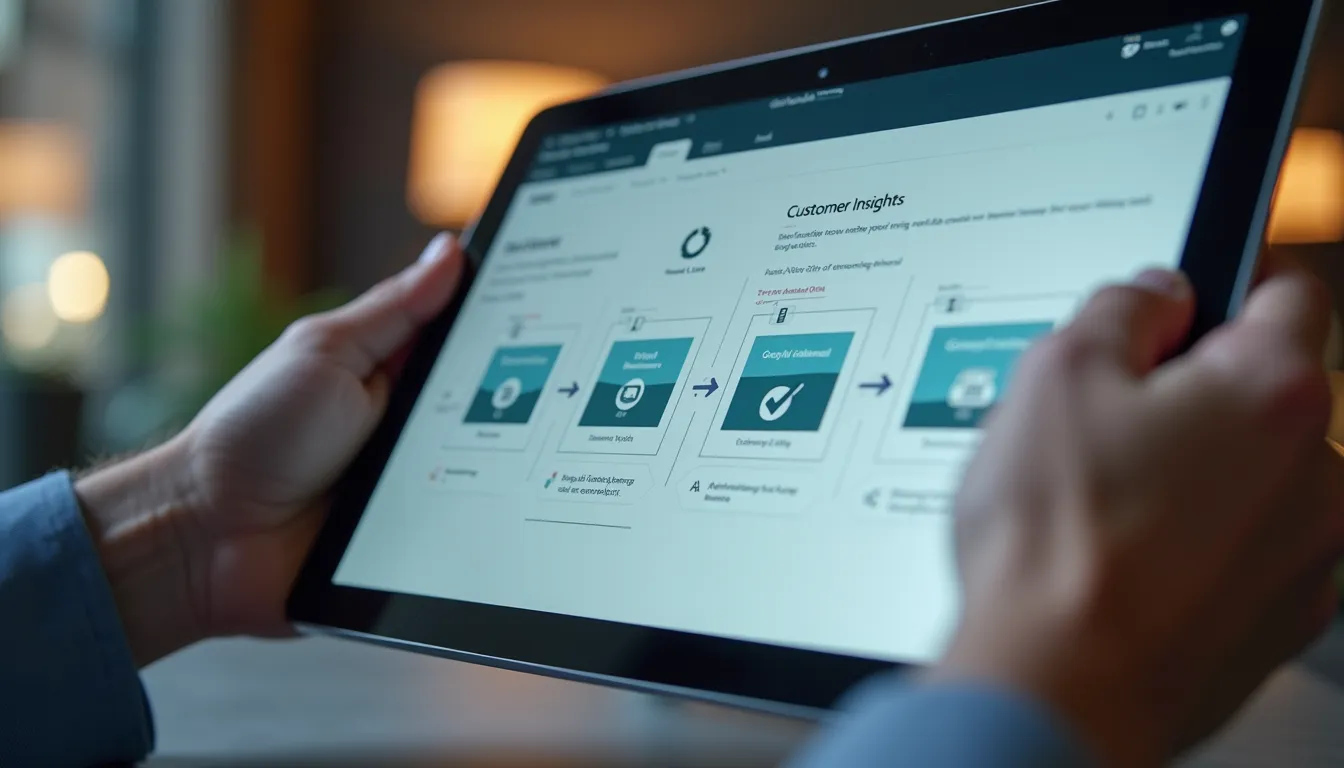
Email marketing automation workflow displayed on tablet screen
Frequently asked questions
How do I set up email automation in Dynamics 365 Customer Insights?
Start by connecting your data sources, such as CRM, website and social platforms, to build complete customer profiles. Then define segments by behaviour, purchase history or preferences, create email templates with dynamic content, and build workflows with triggers like sign-ups, abandoned carts or birthdays. Finally, A/B test subject lines, content and send times and refine based on results.
What types of automated emails can you run in Dynamics 365 Customer Insights?
Typical examples are a welcome series that introduces the brand to new sign-ups, re-engagement emails with product recommendations for customers inactive for around 60 days, and event-triggered emails such as an abandoned-cart reminder sent within 24 hours. Triggers can also be tied to dates like birthdays or to business events such as product launches.
Do I need consent to send automated marketing emails in Australia?
Yes. The article advises following Australian privacy laws and obtaining consent before sending marketing emails, including automated ones. Alongside compliance, keep customer records clean and up to date so automated workflows personalise accurately and only reach people who have agreed to hear from you.
Which metrics should I track for Dynamics 365 email automation?
Monitor open rates, click-through rates and conversions for each automated email. Use A/B tests to compare subject lines, content formats and send times, then use the platform's real-time analytics to adjust campaigns quickly. Reviewing these metrics regularly shows which triggers and messages work best for each segment.
Need a hand?
Demand Generation
Campaigns, LinkedIn advertising and nurture that build pipeline.
How we help →